A warranty becomes much harder to use when the receipt is in one inbox, the serial number is on an equipment label, the warranty PDF is buried in a download folder, and nobody remembers whether the product was registered. A simple tracker creates an index to those records.
Start with one item and its documents
Print this blank sheet and fill it by hand. Use one copy per item or agreement; no signup or purchase is required. Keep it with the receipt and written terms. Mark missing details as unknown rather than estimating coverage.
A product warranty, builder warranty and separately purchased service contract can have different terms. Copy the document type and responsible company exactly; the worksheet does not decide whether a claim is covered.
Home warranty record
One item or agreement per sheet. Record references to the original documents; this sheet is not proof of coverage.
Item / location
Manufacturer / model / serial reference
Purchase date / receipt reference
Installation date / invoice reference
Document type / company responsible
Written warranty / contract file location
Coverage dates / parts or labor differences
Registration requirement / confirmation reference
Claim instructions / contact
Service requirements / source document
Case reference / correspondence location
Next action / follow-up date
Check the actual written terms. Keep receipts and correspondence securely. Do not put passwords, payment details or access codes on this sheet.
Home Routine Guide · homeroutineguide.com
The print button opens your browser's print dialog for the worksheet only. Choose paper or Save as PDF. This is a blank print-at-home resource, not an online form or automatic reminder service.
For a welcome note or homeowner resource list, share this free warranty worksheet link. Share the public link, not completed household records. The paid Binder has separate household-use terms.
Fields to include in a printable warranty tracker
- Item or system: furnace, dishwasher, water heater, roof material, pump, appliance, or other covered product.
- Manufacturer and model: copied from the product label or documentation.
- Serial number: where applicable.
- Purchase or installation date: from the receipt, invoice, permit, or installation record.
- Warranty term or expiration: taken from the written warranty.
- Registration status: whether registration was completed and where the confirmation is stored.
- Receipt/invoice location: a folder or document reference rather than relying on memory.
- Warranty document location: PDF filename, secure folder, manufacturer portal, or paper file.
- Claim/service contact: the correct manufacturer, seller, installer, or warranty administrator.
- Claim or repair history: dates, case numbers, work performed, and next action.
The FTC recommends saving a copy of a written warranty and the product receipt. A tracker should point you to those source documents rather than replace them.
Warranty vs. service contract
Do not assume every protection plan is the same thing. A manufacturer warranty may come with the product, while an extended warranty or service contract can be a separate paid agreement. Record the exact document name and administrator so you know which terms apply.
Where to find the information
| Information | Likely source |
|---|---|
| Model + serial number | Product data plate, invoice, manufacturer account |
| Purchase/install date | Receipt, contractor invoice, permit, order email |
| Coverage term | Written warranty or service-contract terms |
| Registration confirmation | Manufacturer email or portal |
| Claim contact | Written warranty, manufacturer support, contract administrator |
| Past repair | Invoice, service email, repair log |
What not to put on the tracker
A household binder does not need full payment-card numbers, passwords, full bank information, or other sensitive credentials. If a manufacturer portal requires a login, record a secure password-manager reference instead of the password itself.
Connect warranties to equipment and repair history
The tracker becomes more useful when it connects to your broader home records. The equipment page should tell you what you own. The warranty page should tell you what coverage exists. The repair log should tell you what happened, who worked on it, what it cost, and what comes next.
Begin with the free appliance inventory worksheet, then read how to build a printable home maintenance binder and what to track in a home maintenance log.
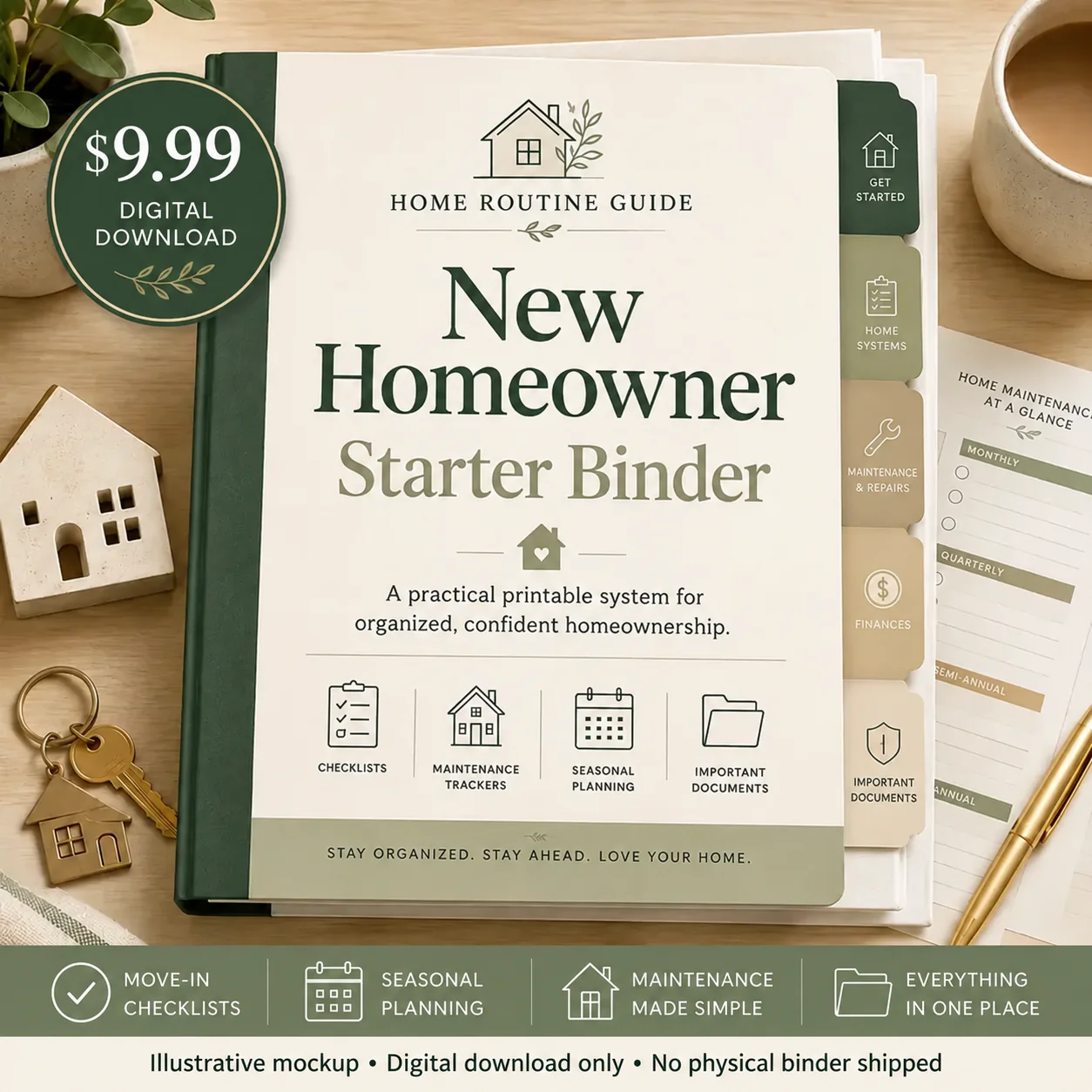
New Homeowner Starter Binder
The 44-page guided binder includes a warranty and manual tracker plus equipment records, service history, repair logs, contractor information, and planning pages so the warranty record is connected to the rest of the home.
- Warranty + manual tracker
- HVAC, plumbing, electrical, appliance, and special-system records
- Service and repair history
- Guided prompts and examples throughout
Want broader guidance first? Use the home maintenance records checklist. The optional Binder is a 44-page digital download for a one-time $9.99; no physical binder is shipped. Checkout opens on Kit.
Primary sources
Editorial note: Reviewed against the linked FTC guidance on October 5, 2026. Warranty rights and coverage depend on the written terms and applicable law. This page is for organization, not legal advice. It does not diagnose equipment or authorize repairs; follow equipment instructions and use qualified help for technical work.